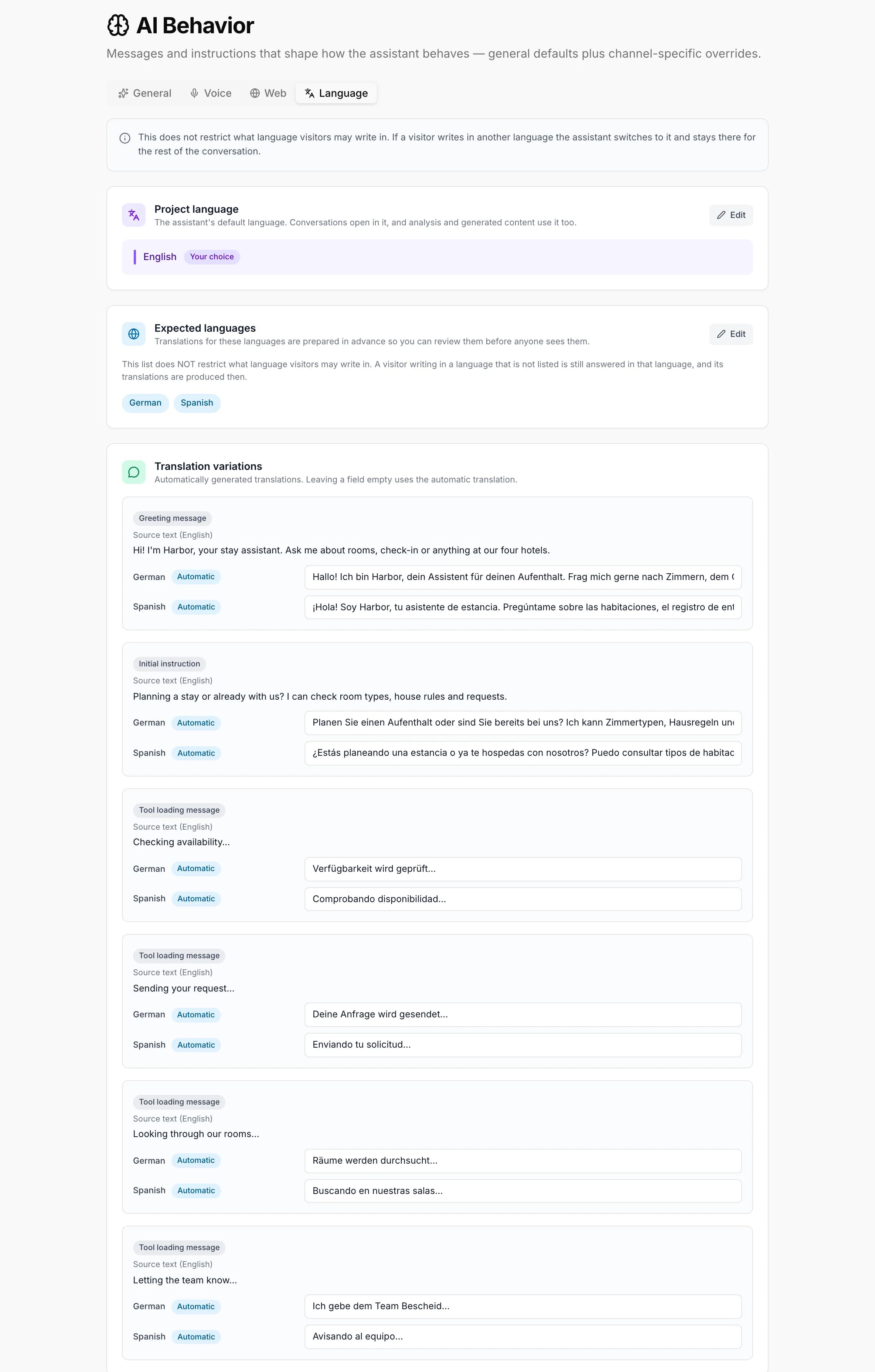
AI Behavior
Messages and instructions that shape how the assistant behaves, split into four tabs: General defaults that apply everywhere, plus Voice, Web, and Language overrides layered on top.
Depending on your plan, a project you collaborate on may open in View-Only Mode — this page can be viewed but not edited. See Billing.
General
These settings apply to every platform and channel. The Voice and Web tabs add channel-specific behavior on top of them.
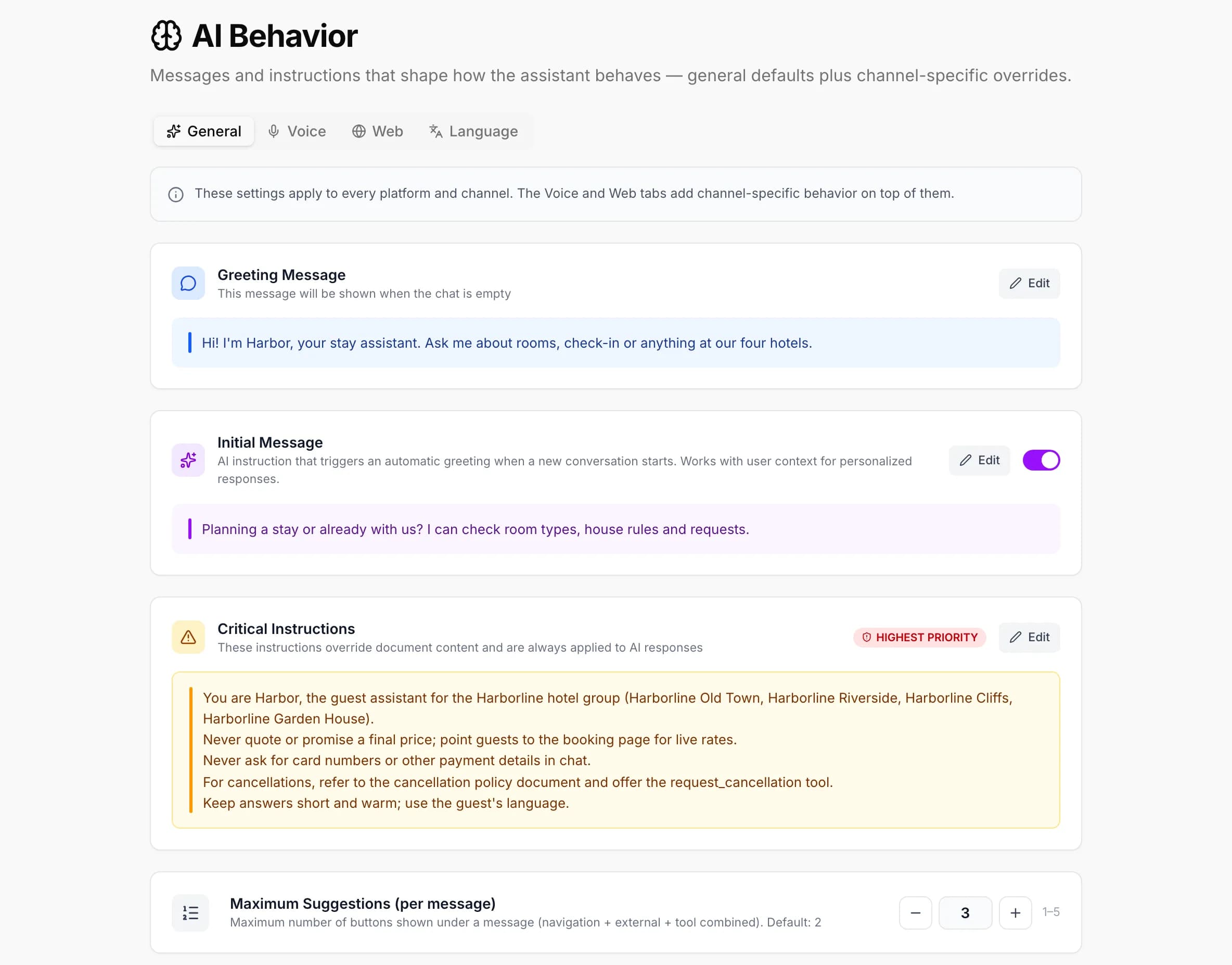
Greeting Message
The first message shown when the chat is empty — plain text, no AI involvement. Up to 200 characters.
Initial Message
An AI instruction that triggers an automatic greeting when a new conversation starts, using the live runtime context (for example, “Greet the user by name”). Up to 1000 characters. A toggle disables it entirely, so the AI waits for the user’s first message instead.
Critical Instructions
The highest-priority instructions in the system prompt — they override document content and are always applied. Up to 6000 characters.
Maximum Suggestions (per message)
Caps how many action buttons (navigation + external + tool combined) render under a single AI message. Default 2, range 1–5.